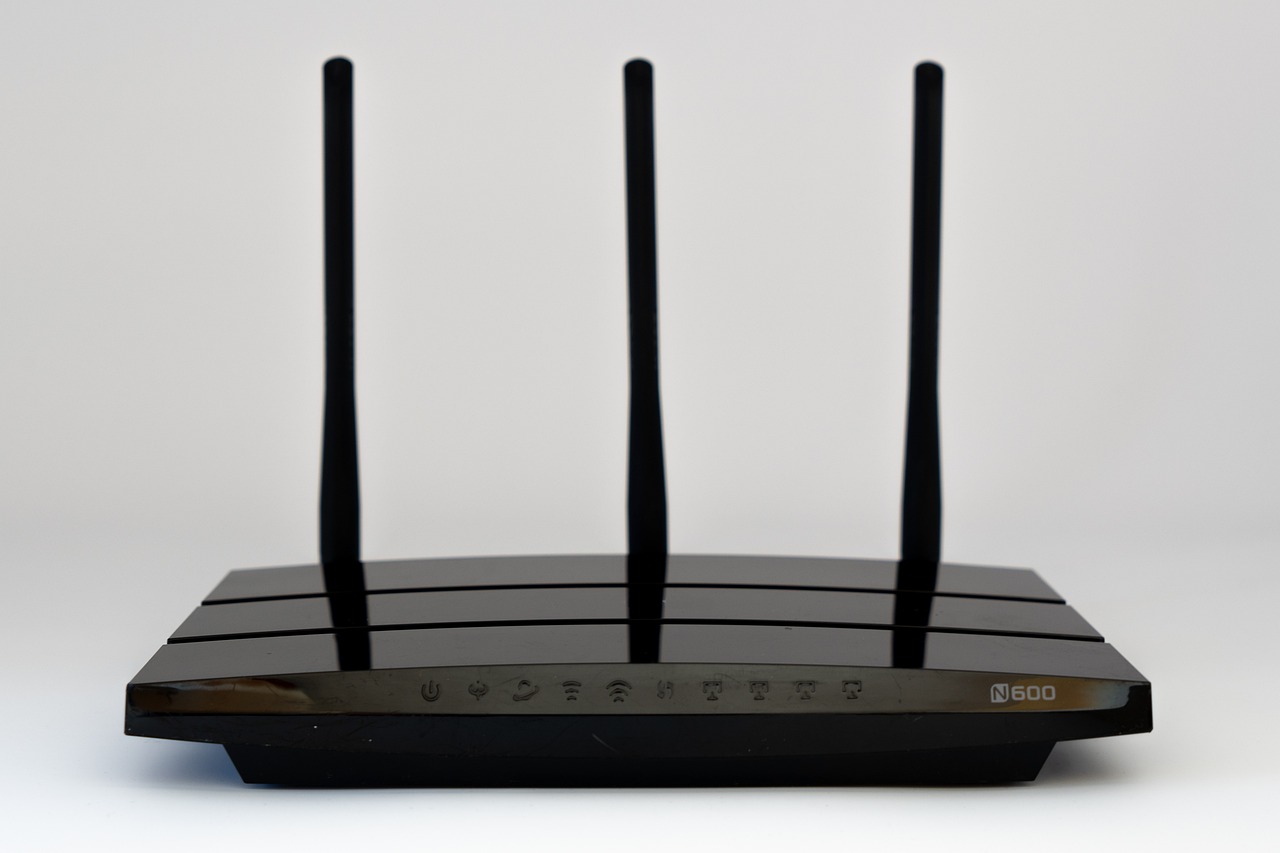
The Correct Way to Position Your Router’s Antennas Depends on Your Home
Let’s be honest: have you ever actually read your router’s instruction manual to learn how to position it properly? Most of us plug it in, leave it in a corner, and don’t think about it again until the internet drops. But according to Engadget, the way you position your router and its antennas directly affects signal strength, coverage range, and dead zones throughout your home.
How Wi-Fi Antenna Signals Actually Work
Most router antennas are omnidirectional, meaning they broadcast in all directions simultaneously. The key insight: the signal is strongest perpendicular to the antenna, not along its length. A vertical antenna pointing straight up radiates its signal outward horizontally, covering the floor you’re on. A horizontal antenna pushes the signal upward and downward — useful if you have multiple floors.
Modern dual-band routers broadcast on two frequencies simultaneously. The 2.4 GHz band provides slower speeds but longer range and better wall penetration. 5 GHz delivers faster speeds but is more susceptible to physical obstructions and covers a smaller area. Newer tri-band routers also support 6 GHz, offering massive speed boosts with near-zero interference, though the signal doesn’t travel as far and struggles more through solid walls.
Positioning by Home Layout
Single-floor homes or apartments: Point all antennas straight up. Vertical positioning causes signals to radiate horizontally, covering your entire floor plan effectively.
Multi-floor homes: Pointing all antennas straight up leaves other levels underserved. According to TP-Link, angle at least one antenna at around 30 degrees. This tilt spreads the signal both sideways and vertically. If your router has multiple antennas, mixing their orientations fills in the gaps that a single direction leaves behind.
Where to Place the Router
Antenna positioning only gets you so far without proper router placement. Three factors matter:
- Central location: Placing a router against an exterior wall wastes half its signal broadcasting into the open air.
- Height: TP-Link recommends placing your router about 1 to 1.5 feet off the ground, aligning the signal with most of your devices.
- Avoid interference: Microwave ovens, fish tanks, Bluetooth devices, metal objects, and thick concrete walls can all disrupt your Wi-Fi signal.
Combine thoughtful router placement with careful antenna positioning, and you’ll make the most of the speed your internet plan provides — no expensive equipment upgrades required.
Photo by USA-Reiseblogger on Pixabay