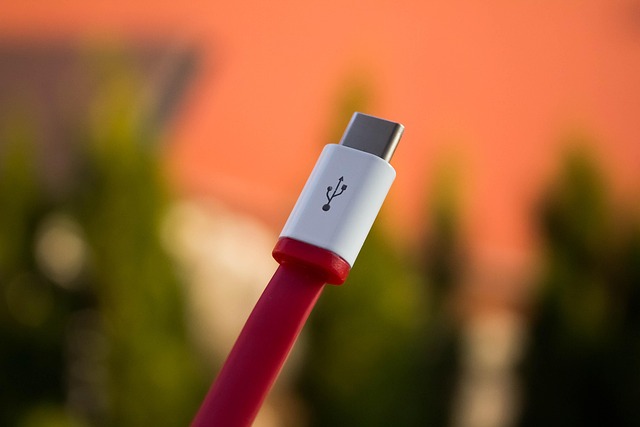
USB-C was supposed to simplify everything. One connector. One cable. One standard to rule them all. Fast forward to 2026, and while USB-C is indeed the de-facto universal port on nearly every laptop, smartphone, and tablet, it has quietly become one of the most confusing standards in consumer tech. The ugly truth? Not all USB-C ports are created equal — and the connector’s identical appearance across devices masks a staggering gap in performance.
The Speed Chasm You Can’t See
At its best, the latest USB4 Version 2.0 specification supports blistering data transfer rates of up to 80 Gbps — enough to move 100 GB of data in roughly ten seconds. At its worst, a USB-C port can be stuck with the ancient USB 2.0 standard, maxing out at a mere 480 Mbps. That’s a 166x difference in speed, and both ports look exactly the same.
Apple gave consumers a perfect illustration of this problem with its MacBook Neo, a budget laptop priced at $700. The Neo ships with two USB-C ports that appear identical, yet one runs at USB 2.0 speeds (480 Mbps) while the other supports USB 3.2 Gen 2 at 10 Gbps. For the average buyer, there’s no visual cue to tell them apart.
How USB-C Became So Messy
The vision was noble. When USB-C arrived in 2014, it promised to replace the chaotic jumble of USB Type-A, Micro USB, Mini USB, Lightning, DisplayPort, and barrel charging connectors with a single, reversible, all-purpose port. It could handle data, power delivery, and video output over one cable.
But the USB Implementers Forum (USB-IF), the consortium that oversees USB standards, never mandated that manufacturers implement the latest specifications. As a result, companies could legally ship a USB-C port that only supported USB 2.0 speeds. Adding to the confusion, the USB 3.x naming scheme became progressively more arcane — USB 3.2 Gen 2x2 is twice as fast as USB 3.2 Gen 2, though you’d never guess from the name. Some manufacturers leaned into the confusion, selling devices with generic “USB 3” marketing language while delivering underwhelming real-world performance.
How to Know What You’re Actually Getting
Despite the chaos, there are ways to cut through the confusion. USB-IF certified products now carry clear labels like “USB 80Gbps 240W,” making it easy to identify top-tier cables and ports at a glance. However, many manufacturers skip certification to save costs.
If you’re shopping for a new device, dig into the fine print specs rather than relying on “USB-C” alone. For devices you already own, Windows users can check the USB controller generation in Device Manager. A more practical test: connect a high-speed external SSD and monitor transfer speeds during a large file copy. If video output doesn’t work through the port, the cable or port lacks Alternate Mode support.
The Bottom Line
USB-C remains a remarkable connector — it’s small, reversible, and incredibly capable at its best. But that universal shape is a facade hiding a wide range of capabilities underneath. Until manufacturers are more transparent about specs and USB-IF tightens its requirements, the golden rule still applies: don’t judge a USB-C port by its cover.
Featured image via Pixabay.